Product Design: AI Portrait Apps — Custom Template Management
You may have heard of Miaoya Camera and EPIK yearbooks in Western markets — apps that generate artistic portraits via AI face swap.
Our client kicked off an AI face-swap product in May 2023, first on domestic mini programs, then an international App Store build, but consumer-side ops did not take off.
Facing that challenge, I combined competitor analysis with the client’s real ops pain points and redesigned a customizable template system for fast-changing market needs. We also open-sourced what we believe is the industry’s first enterprise AI face-swap portrait solution.
Model definitions
User image: the photo the user uploads
Target image: the image onto which the user’s face should be swapped
Result image: 1 user image + 1 target image = 1 face-swap result
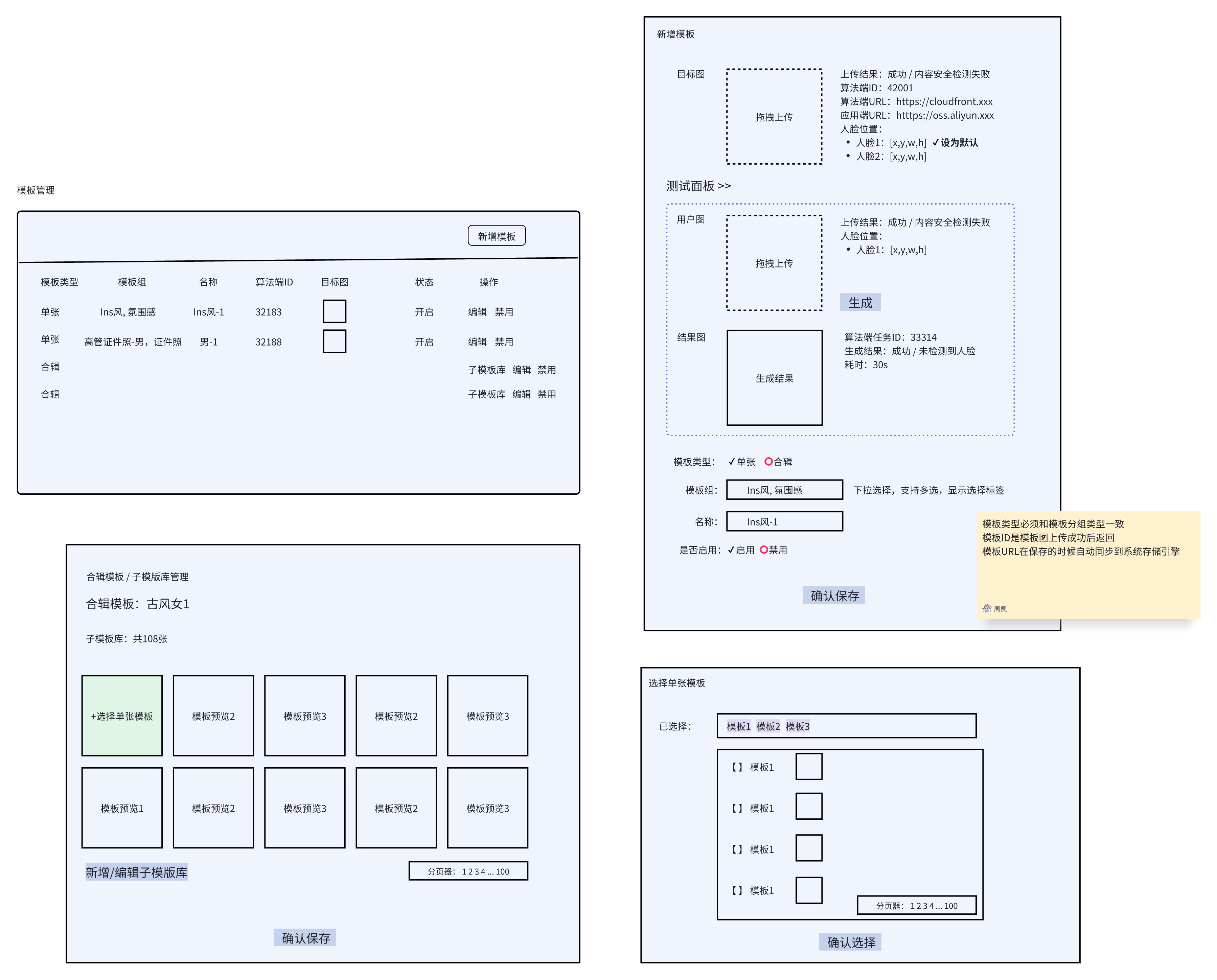
Template: the smallest selectable unit of a generation goal
Two types:
- Single template: 1 target image
- Collection template:
- Multiple target images form a sub-template library
- Users cannot pick a specific target; the system randomly chooses n targets from the sub-library
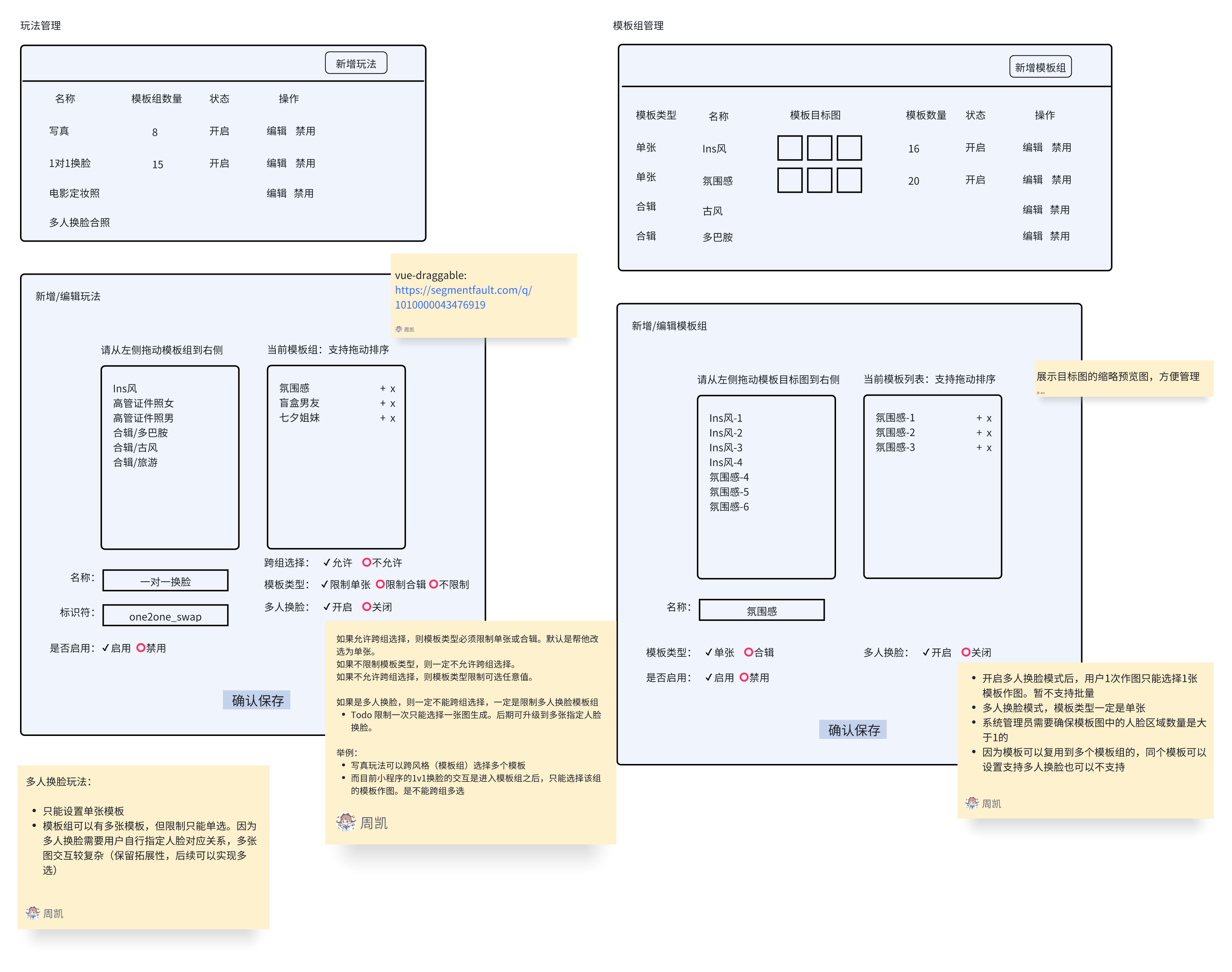
Template group: a combination of multiple templates
Usually for style separation — e.g. classic swordsman, men’s ID photo, women’s executive portrait
Play strategy: a combination of multiple template groups
For custom plays such as AI blind-box portraits, one-to-one face swap, group photos, etc.
Model abstraction diagram
Prototypes
Delivered results
Admin console
| Face-swap test | 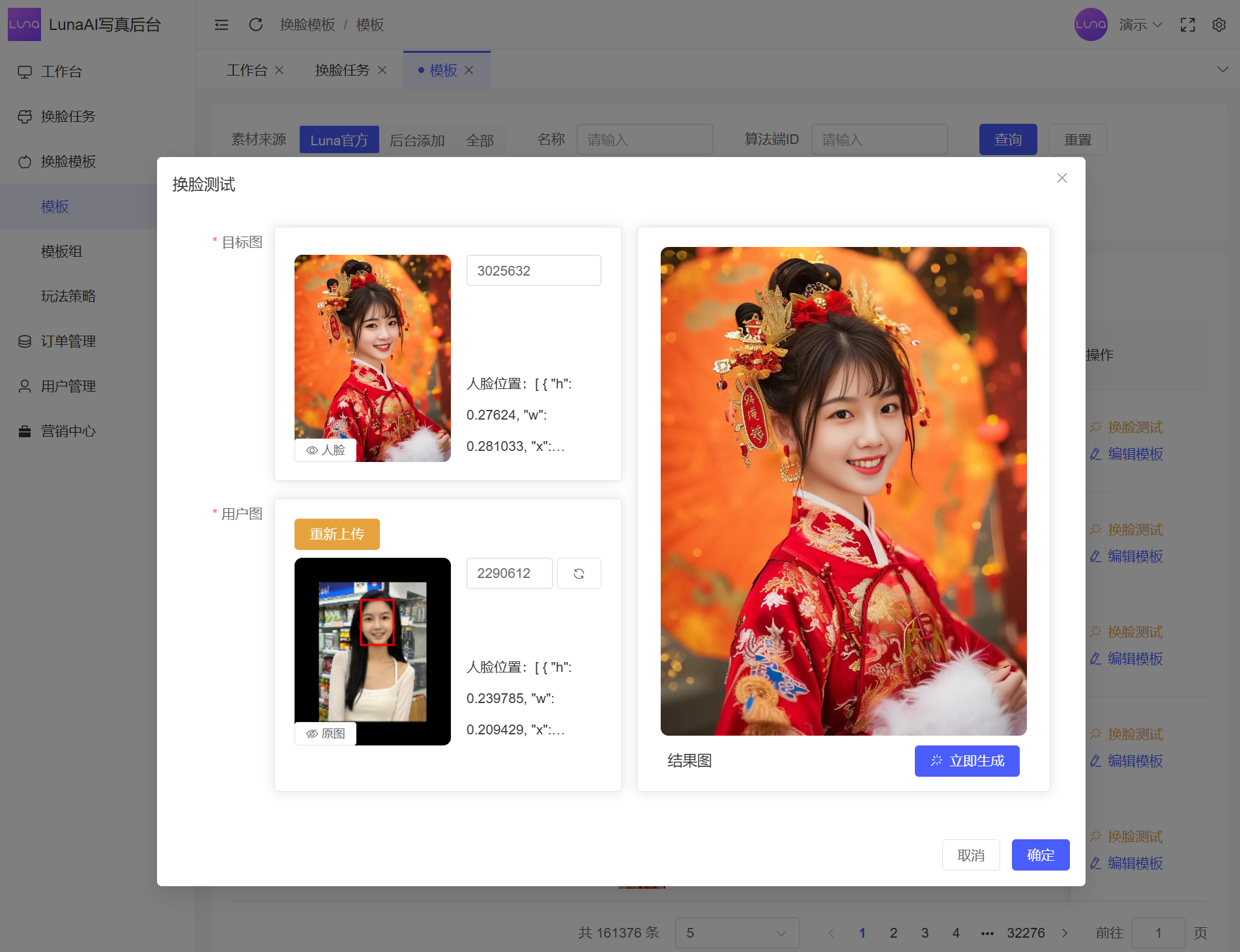 |
| Template management | 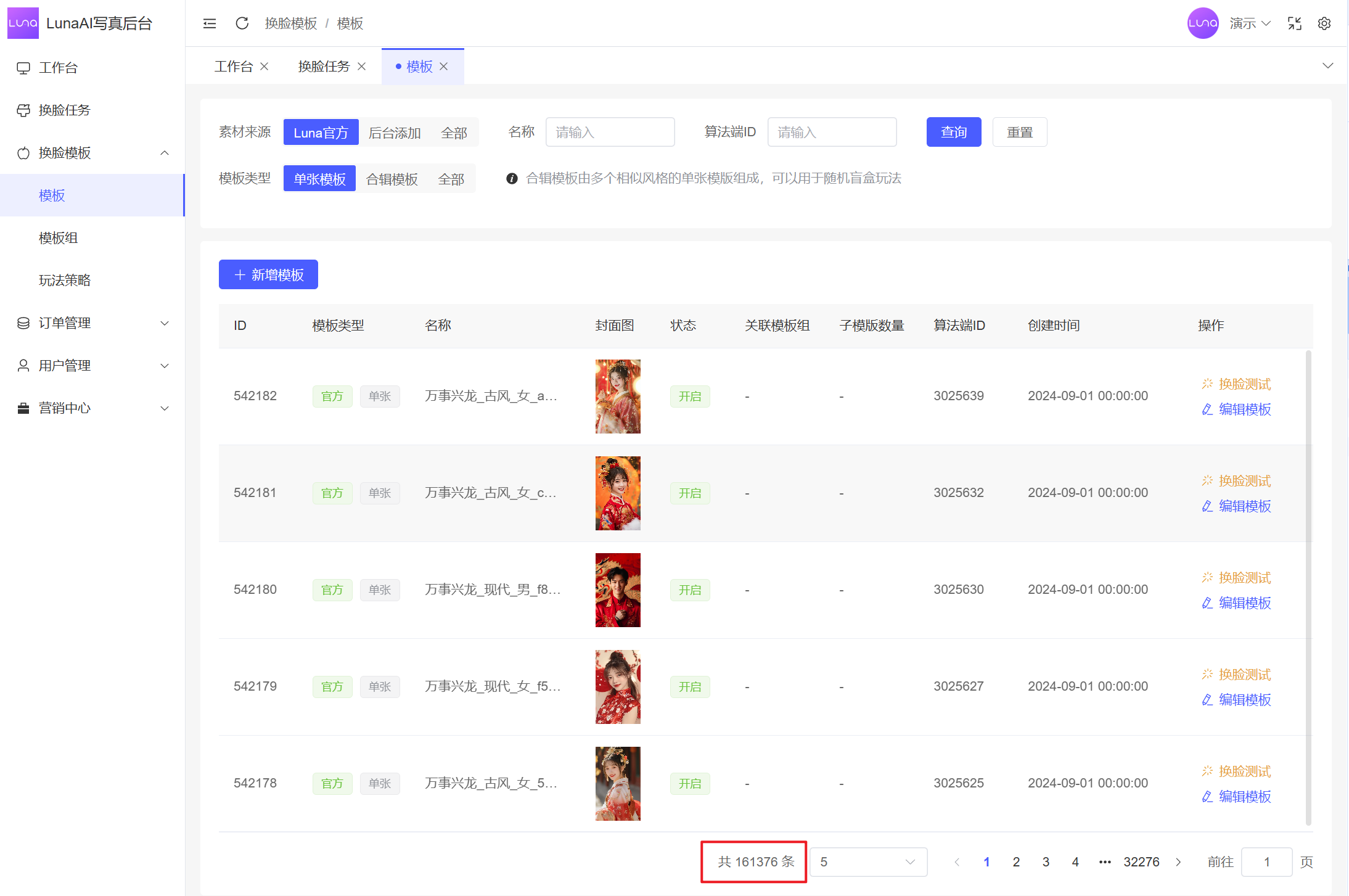 |
| Template groups | 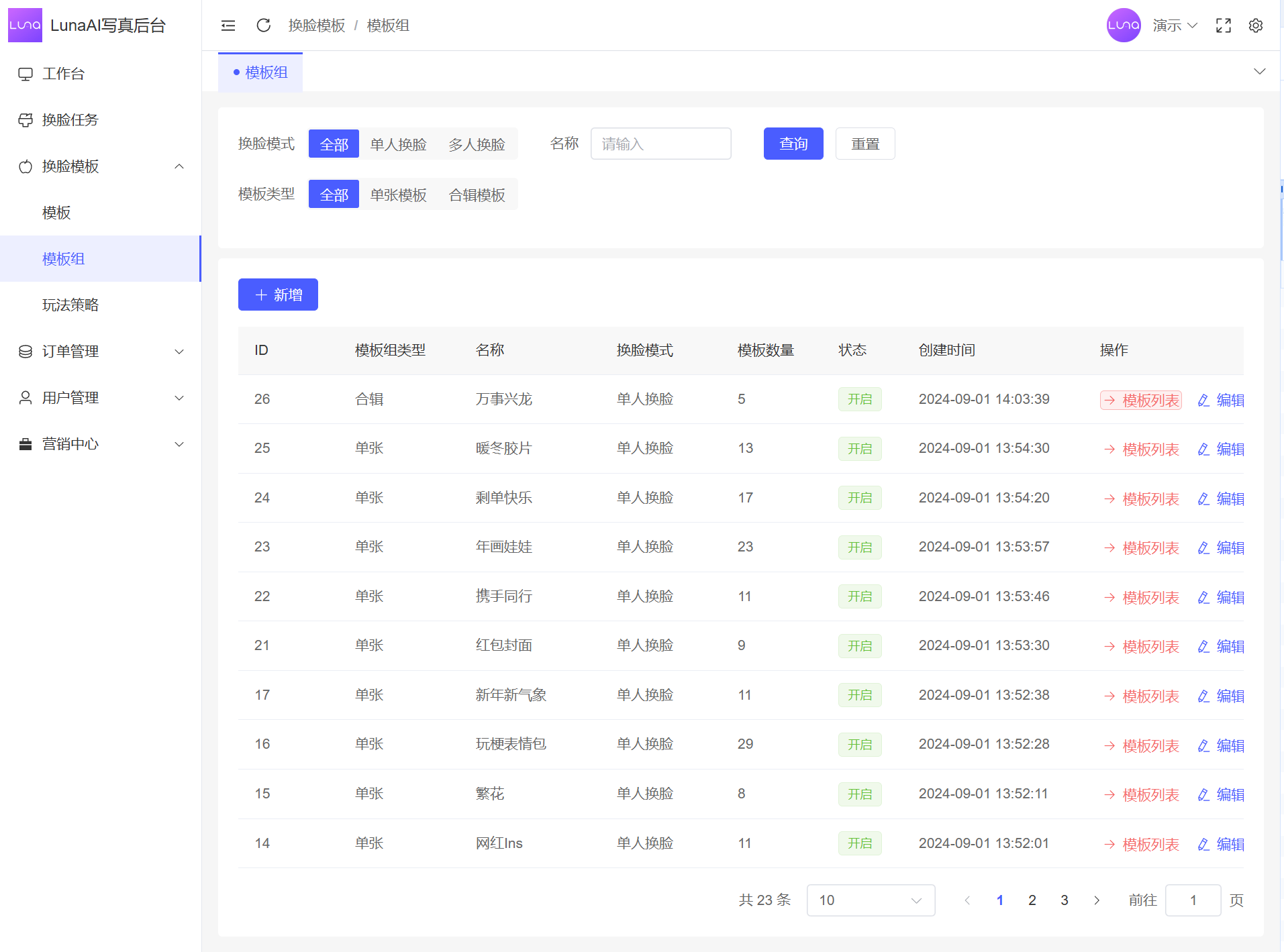 |
| Generation tasks |  |
Mini program
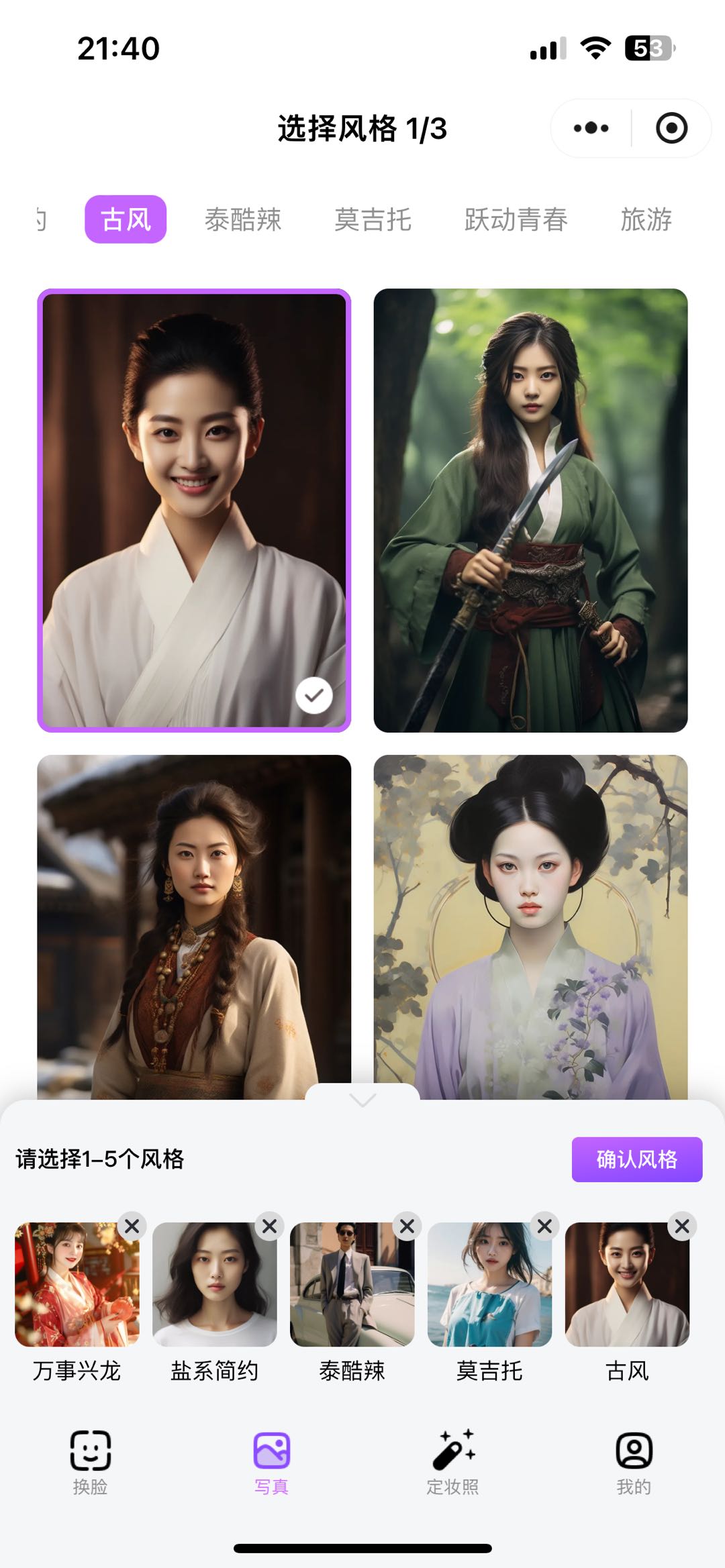 AI portrait blind box | 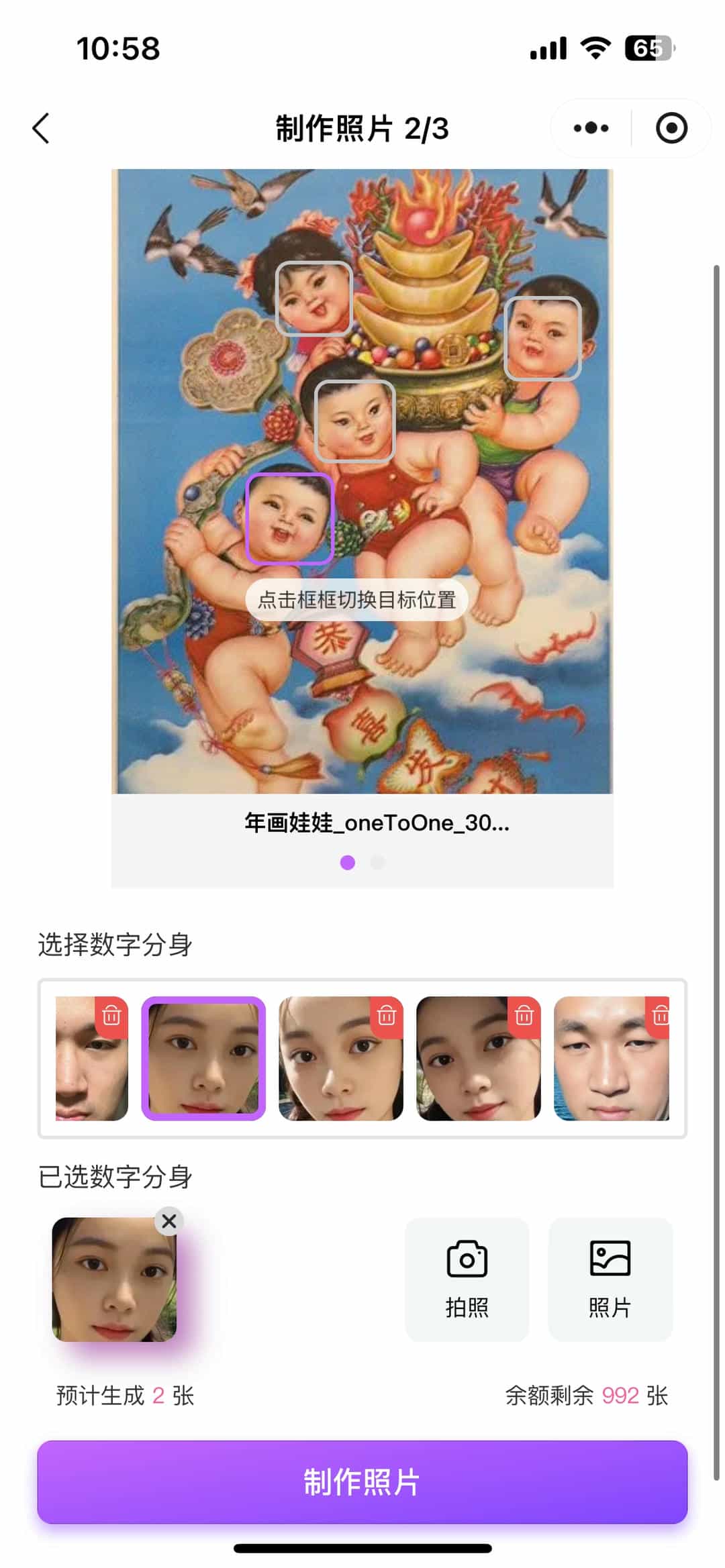 Digital twin |  Generation waiting page |
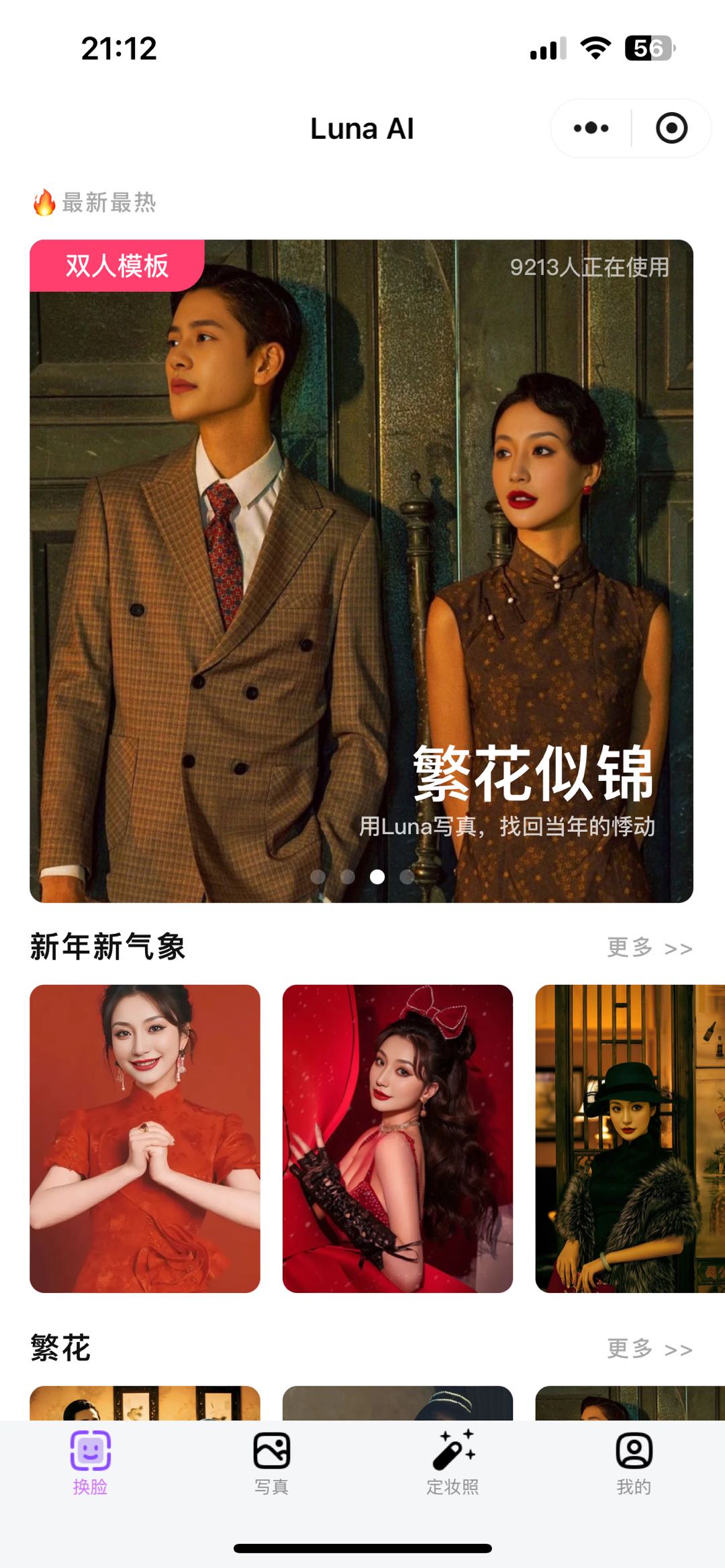 AI face swap | 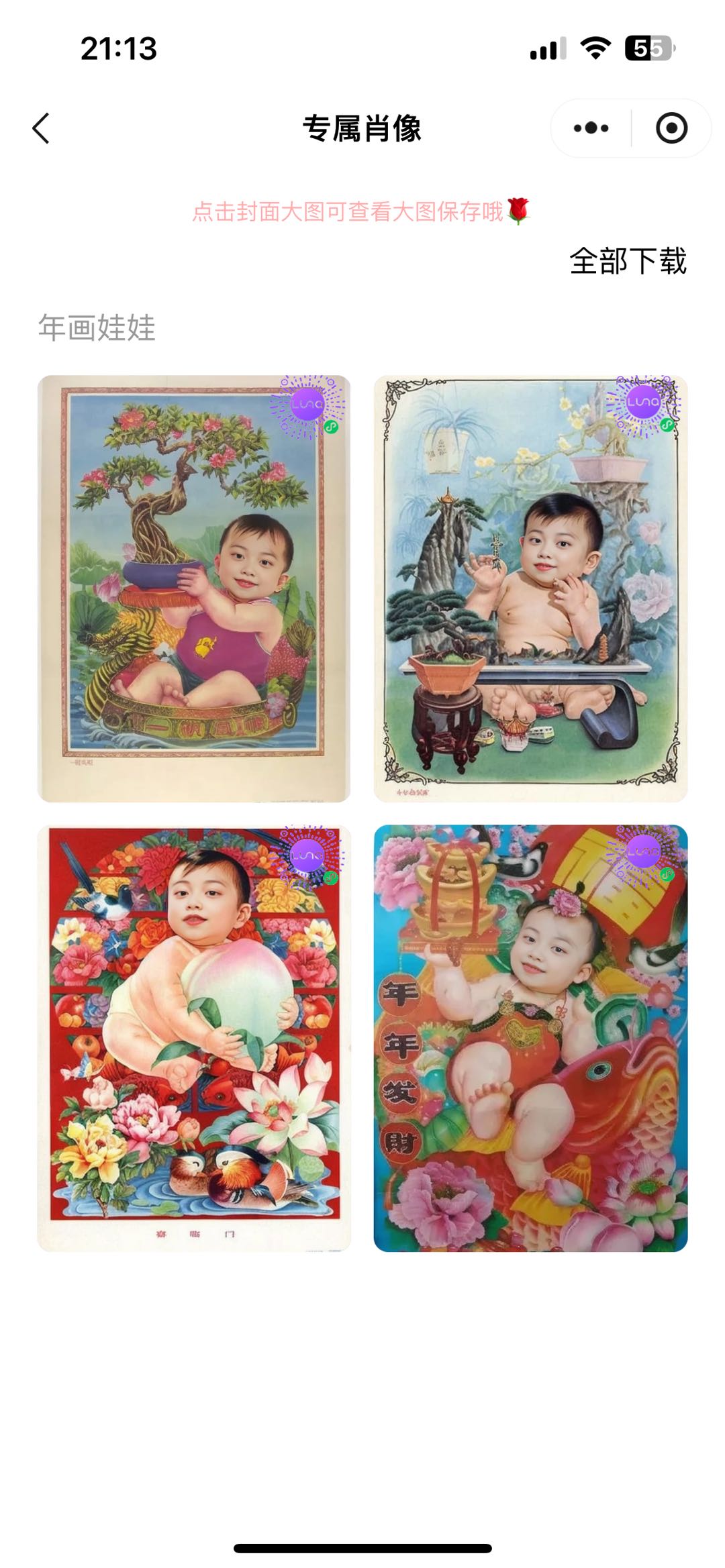 Face-swap result — New Year doll | 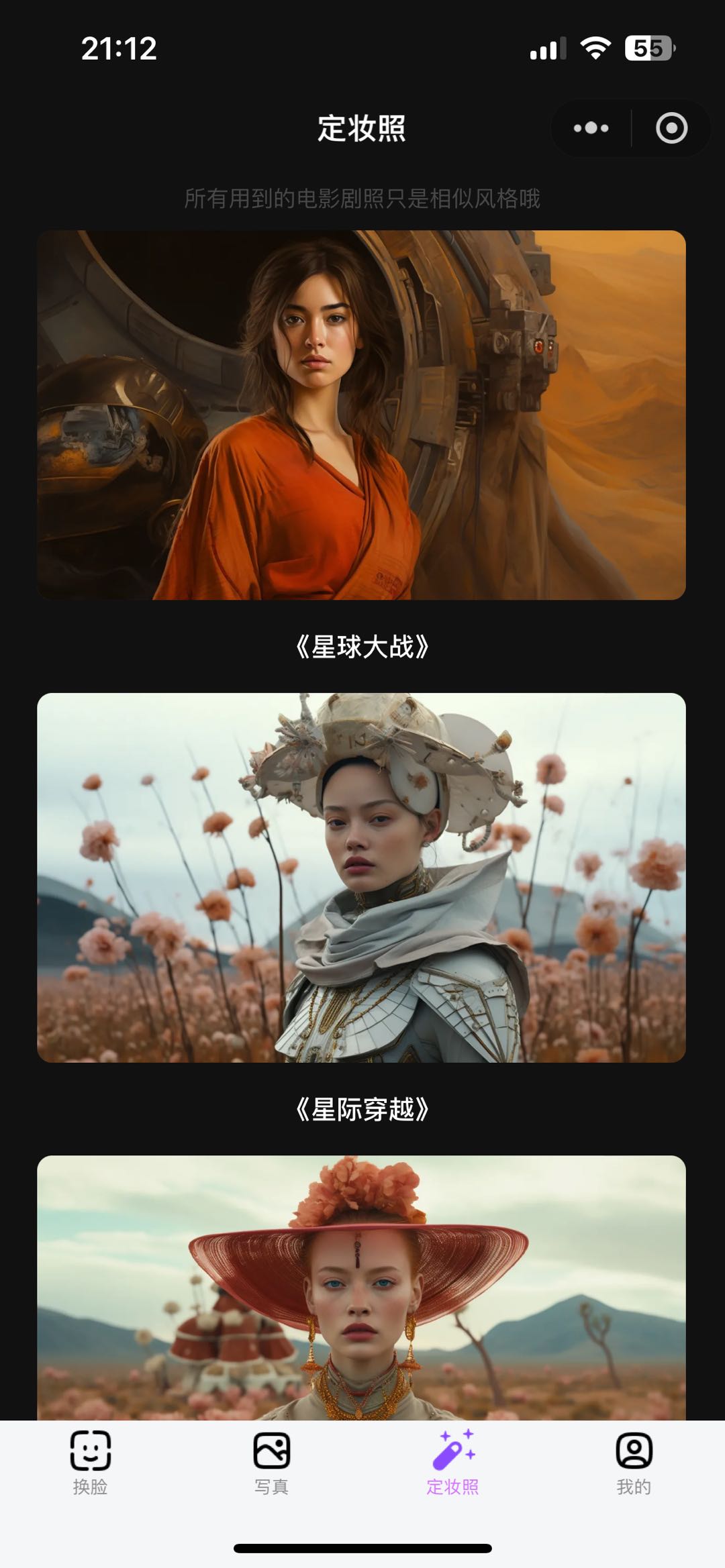 Movie still portrait |
Try it
 | 100k+ HD portrait templates built in: Admin demo Enterprise AI face-swap solution: Learn more |